Windows
Windows installer
For Windows 10 and Windows 11.
 Wheycup Forge
Minecraft Java Edition
Use Wheycup Forge on Windows 10/11 or Mac. Java mods are made in the desktop app; the browser editor exports Bedrock.
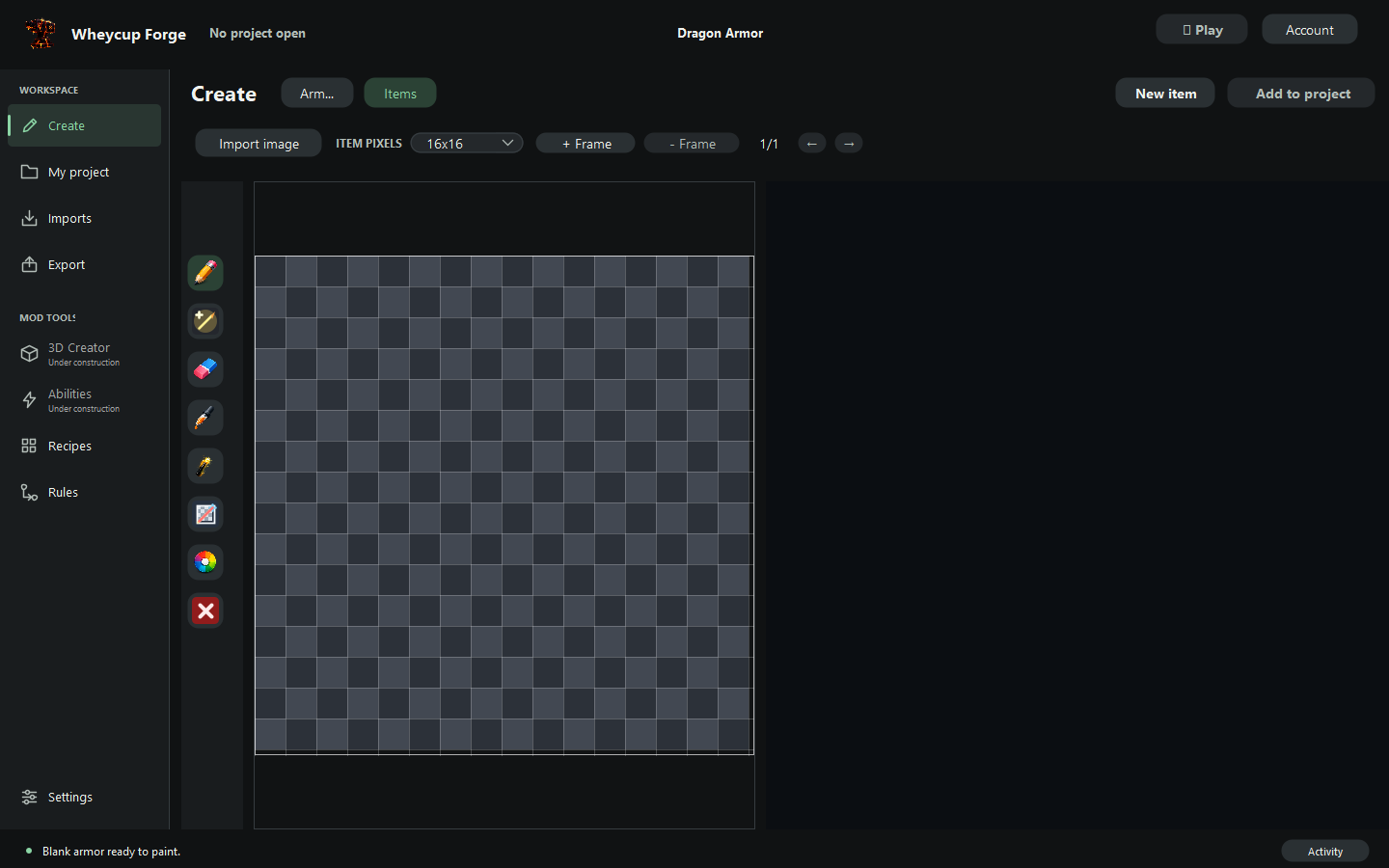
Current advertised Java target: Minecraft 1.21.1. Supported loaders: NeoForge, Forge, Fabric. Minecraft is sold separately.
One free export shared across Studio and desktop, if your account has not used it. No time limit. Creating an account or switching editions does not reset your allowance.
For more exports, Browser + Desktop — Java & Bedrock is $14.99/month (USD). It includes browser Bedrock exports. Subscribe only if you choose; Stripe shows the price before payment.
Browser — Bedrock is $7.99/month (USD) and does not include desktop Java export. Compare the plans.
On a phone or tablet? The desktop app requires a Windows or Mac computer. Keep this guide for your computer, or choose Bedrock for browser creation.
Create an account to downloadChoose the installer for your computer, then follow the setup steps below.
Checking your account...
For Windows 10 and Windows 11.
Choose Apple Silicon for an M-series Mac. Choose Intel for an older Mac.
Wheycup Forge installers are currently available for Windows and macOS.
Your computer may ask you to confirm that you trust the app the first time you open it. Follow the steps for your system.
If installation reports a problem, search for Wheycup Forge in Windows Search and try opening it. If it is missing or won’t open, run the installer again and note the exact error for support.
If the app still won’t open, confirm you chose the installer matching your Mac’s chip. Keep the exact error message when asking for help.